What if AI could see, listen, and speak? How would it be useful beyond the existing tools? Could it be used in new ways? Would more people use it if it weren’t confined to a computer screen?
I believe the answer to all of those questions is yes. In this article, I will explain my reasoning, describe my implementation, and talk about where things can head from here. In order to do so, I rode down to a local Target and bought myself a pair of Meta Glasses.
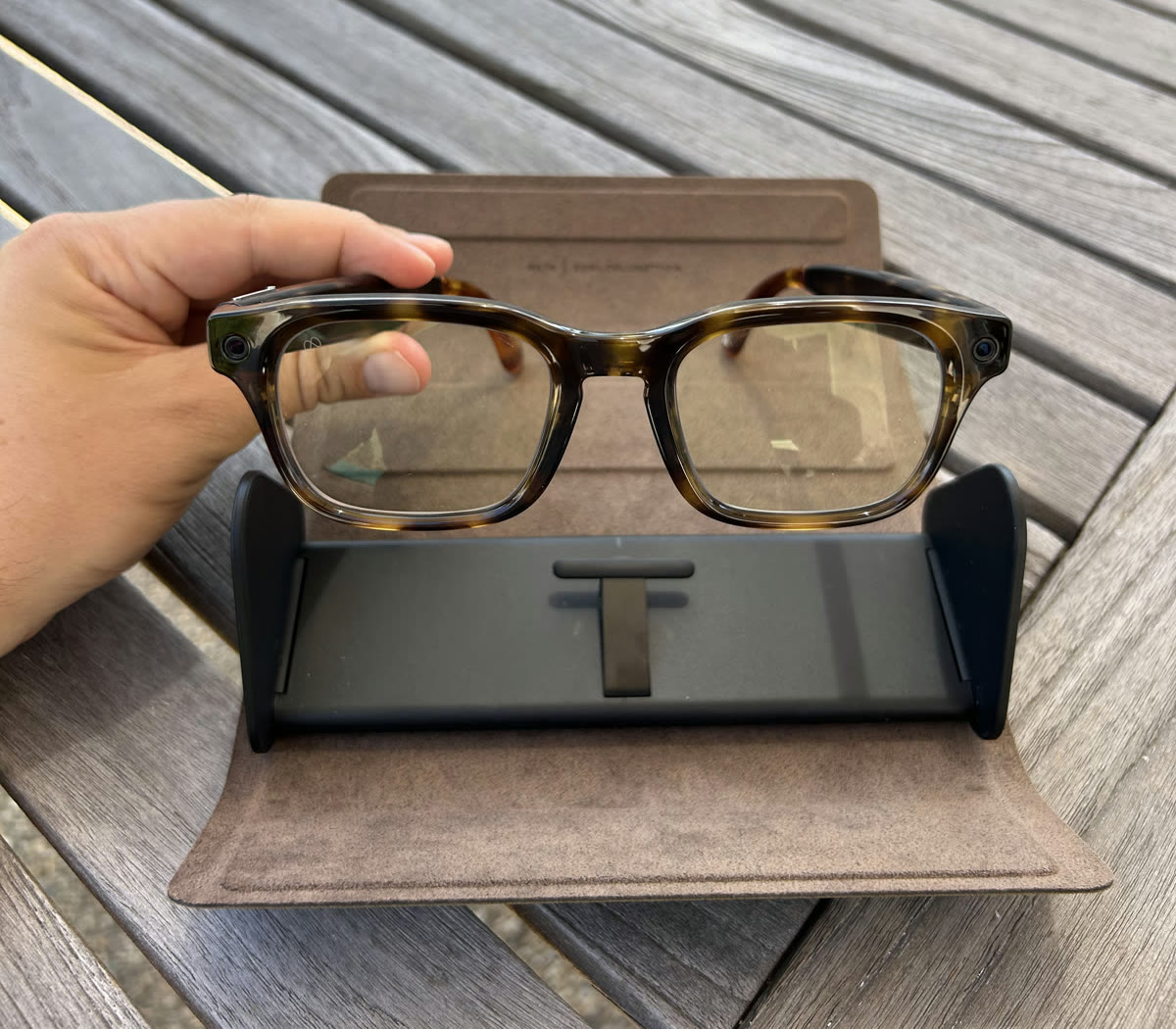
Why Glasses?
I often use AI apps on my phone to help me figure out how to do physical things like changing a bike tire, assembling new drone parts, or cooking a new recipe. A lot of these tasks exist in the physical world, away from a computer screen.
Unfortunately, my hands are often preoccupied or dirty while I attempt to take videos or screenshots and send them to an AI app for answers about the next step. I find this process inconvenient, and if my hands are dirty, I often don’t want to touch my phone at all.
Instead of taking photos or video screenshots and then uploading them to an AI app, what if the AI could see what I’m looking at? If it can see what I see, it could reasonably tell me whether I’m doing the right thing or the wrong thing. It would have the context needed to advise me on the next step of the task.
The Meta Glasses are a great tool for building a hands-free AI assistant. They have a camera that can take pictures and video, microphones that can listen to what I am saying, and speakers that can talk back to me. I find this to be a major improvement in the user experience because I can continue working on a physical task without stopping to enter information into a phone or computer and then returning to what I was doing.
On the surface, the Meta Glasses are a perfect tool for the needs I have. However, as of today, I hardly use Meta AI because it seems to be behind the competition in quality. I really enjoy using other AI tools like Gemini, ChatGPT, and Claude. What if I could use the hardware in the Meta Glasses but plug in my own preferred AI?
After a little bit of research, I discovered that the Meta Glasses have their own software development kit. This meant I could combine my preferred AI with the benefits of the Meta Glasses hardware.
What I Built
After about a week of building with Codex, I had a functional iPhone app that allowed me to plug in OpenAI tools and use the Meta Glasses hardware. One tap starts a hands-free session, confirms that the glasses are handling both the microphone and speaker audio, and connects the conversation.
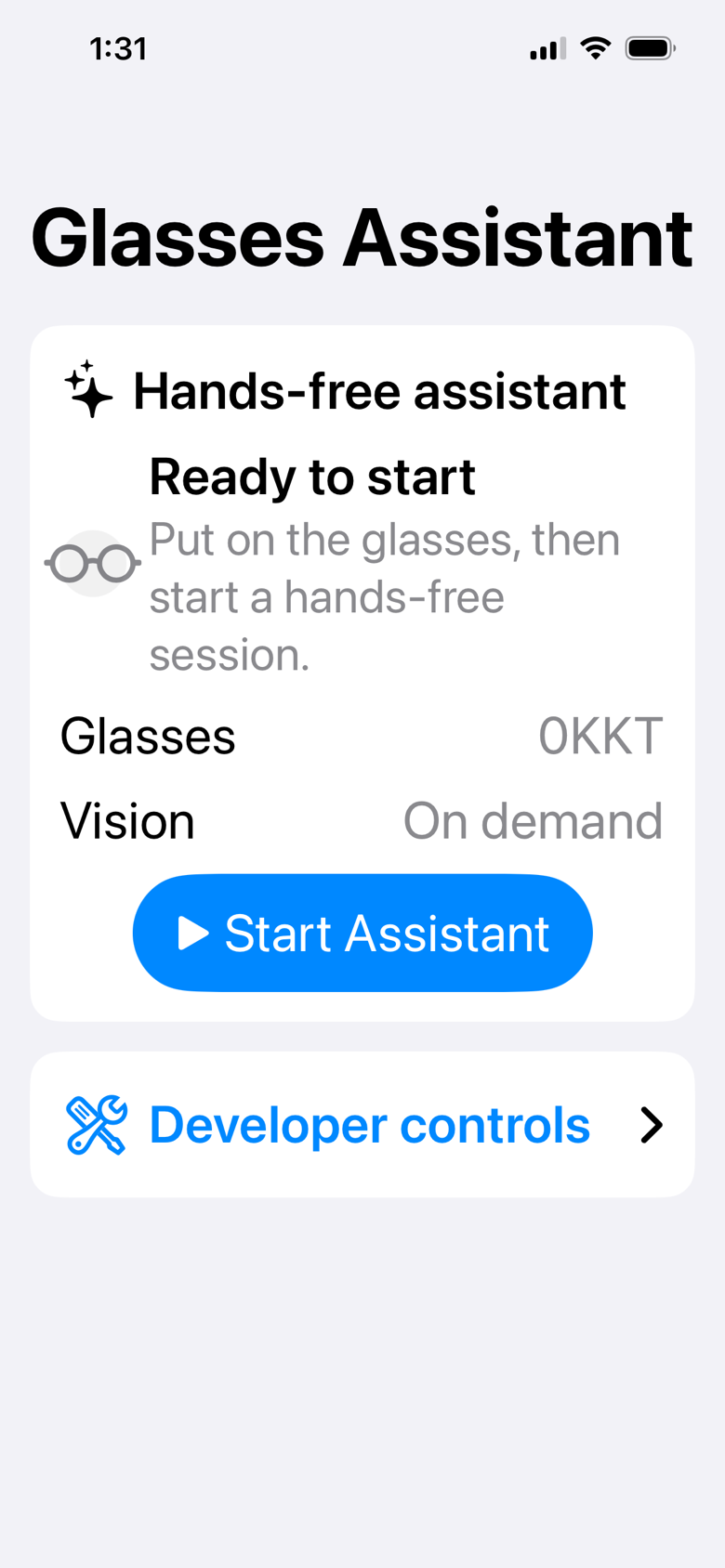
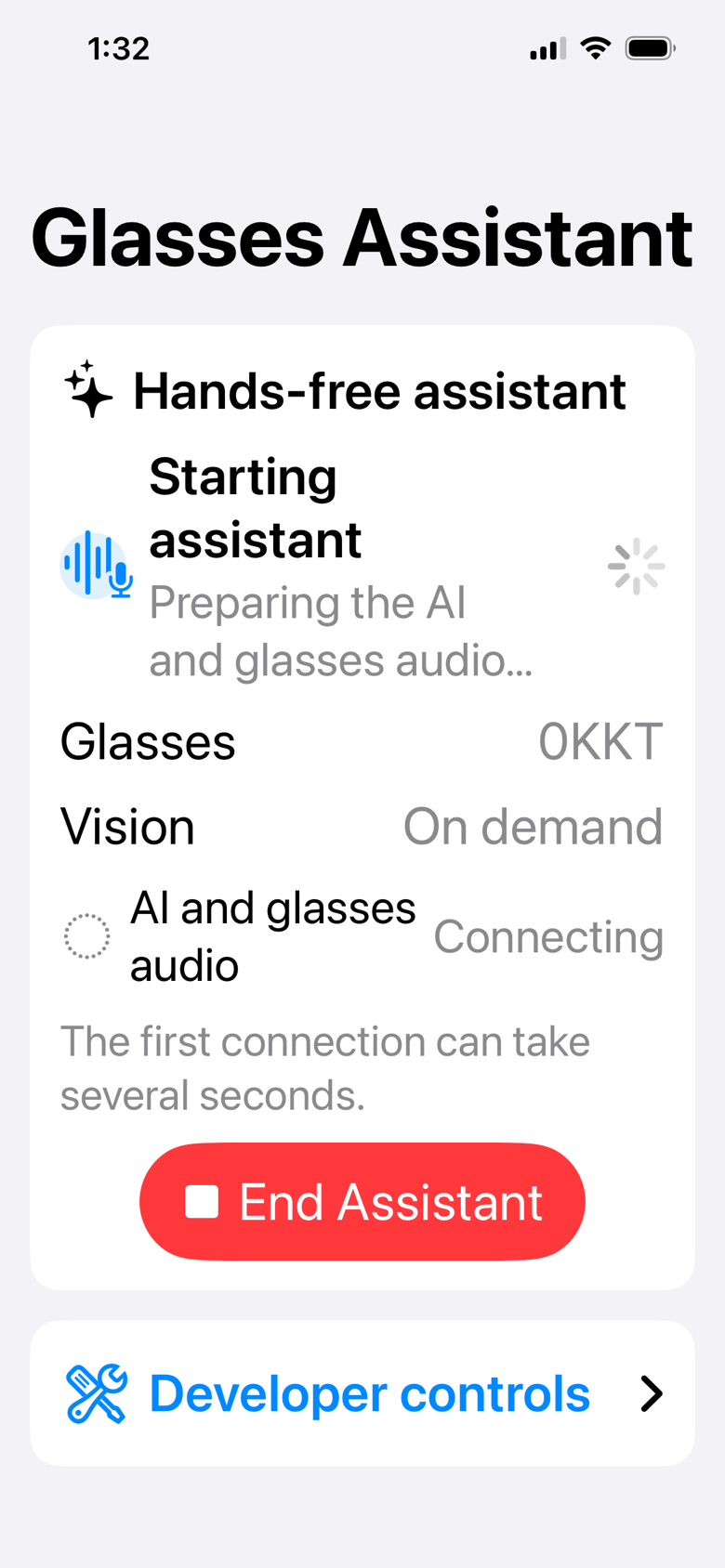
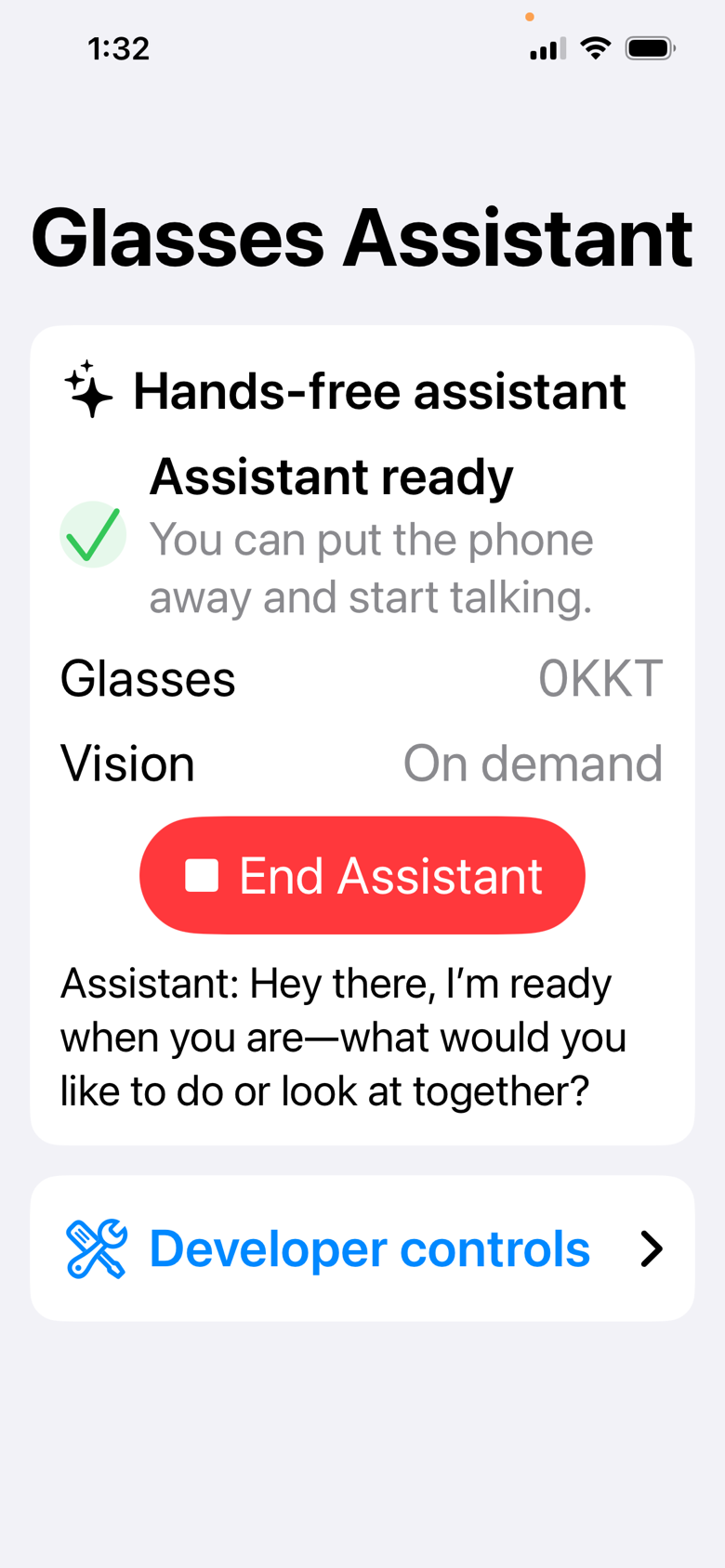
As it stands right now, I use the OpenAI Realtime API, which enables me to have a natural conversation through the glasses’ microphones and speakers. When I ask a question that requires visual context, the app takes a fresh picture from the glasses’ camera, sends it for analysis, and speaks the answer back to me. At a very basic level, I have given an AI eyes, ears, and a mouth.
How the pieces work together
Meta Glasses
Camera
Microphones
Speakers
Bluetooth HFP
iPhone App
Conversation coordinator
On-demand camera
Provider boundary
Media + events
OpenAI Realtime
Voice conversation
Image understanding
Tool calls
There are natural limits to the Realtime API, so I plan to use it as the conversational front end while experimenting with other tools on the back end. For example, my app currently has no ability to search the internet. What if I use the conversation to ask, “Hey, what is the weather?” It should be able to make a tool call and delegate that task to an AI or service that is more fit for the job. When the response comes back, it can speak the result to me.
The goal is to keep the Realtime API as the conversation and launchpad, then use other state-of-the-art AI tools for more complicated tasks.
The app also includes developer controls that let me confirm what the glasses can see and verify that both sides of the conversation are actually using the glasses’ audio route.
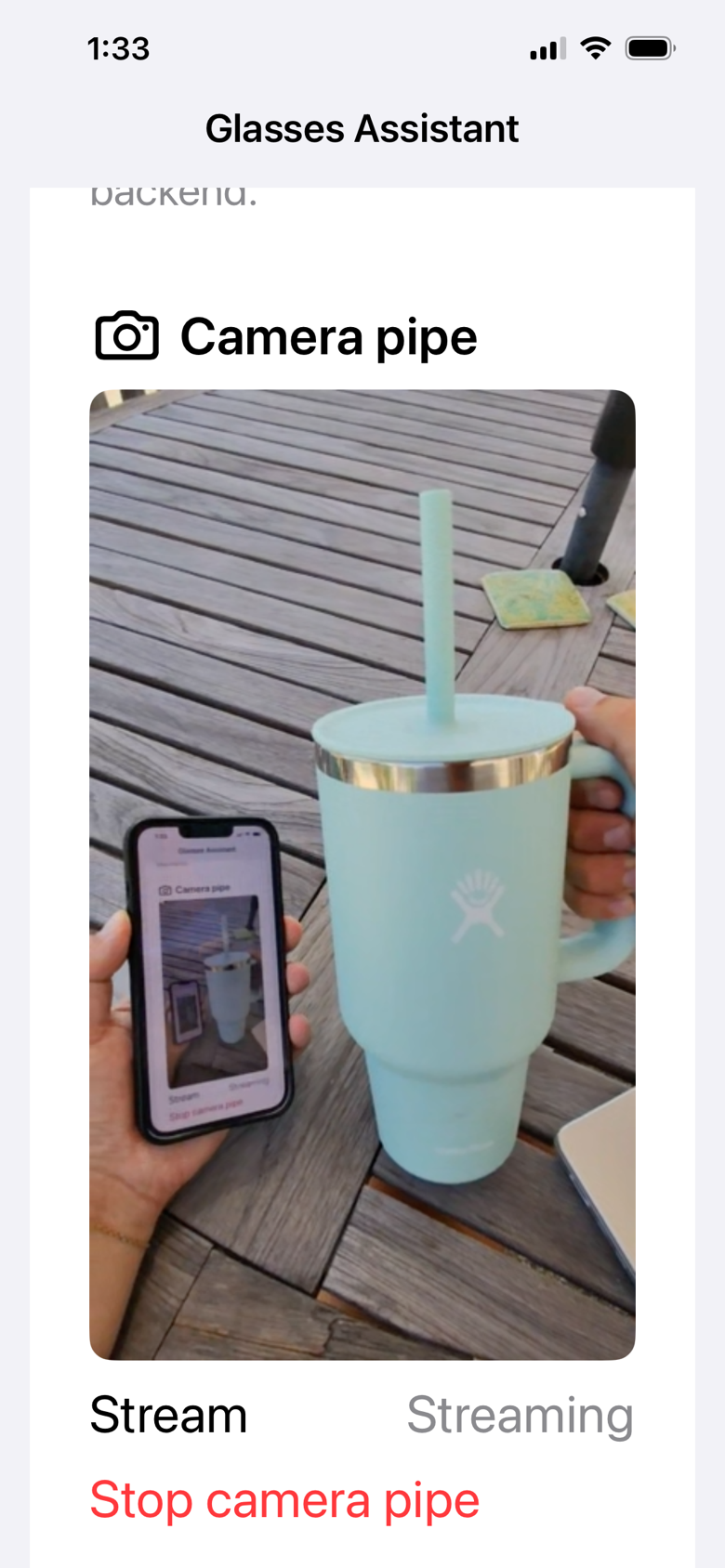
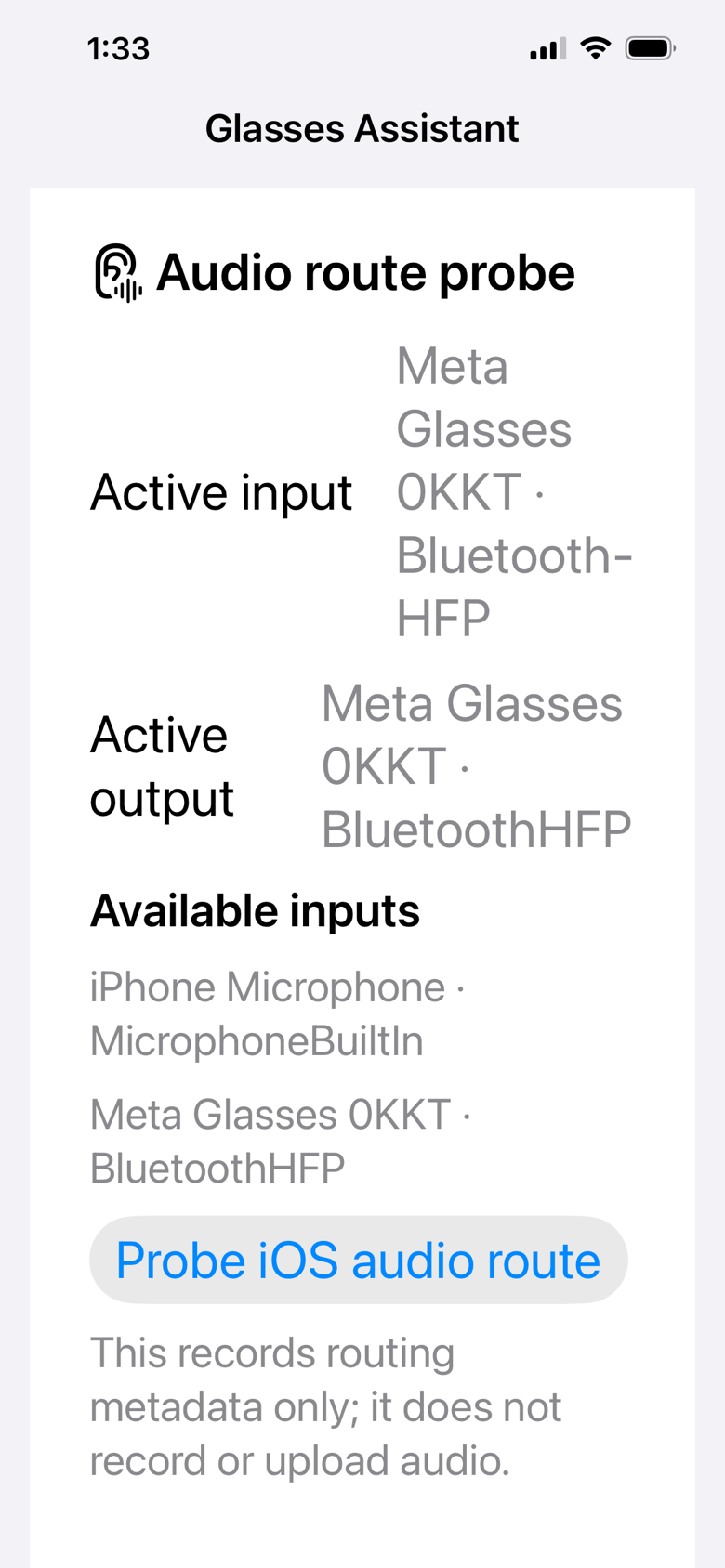
I find this really helpful for any situation where my hands are busy. If I’m cooking a recipe, I often want to clarify how long something needs to go in the oven or what the next step is. I can use this app to do exactly that without taking my hands away from what they are currently doing. I think this is an interesting new approach to extending AI into the physical world.
Where Do I Take This Next?
I want to continue experimenting with how one AI can call another. I also want to see which open-source alternatives I can use because it is difficult to use your subscriptions outside each company’s specific app. For example, you cannot apply a ChatGPT subscription outside the ChatGPT app. Instead, I have to use a separately billed API key.
It is also a nice way to experiment with and understand which AI tools are good at interpreting images and video. Can an AI really scrub through a video and identify things intelligently? Can it pick out what it sees and understand if I am doing something wrong?
I would love for anyone to comment with an interesting use case I can try, suggest tools to use, or share another way I can use this new multimodal device for AI.
Props to Meta for building what I think is pretty nice consumer hardware. Unfortunately, the privacy concerns will prevent me from wearing these out in public without a specific goal in mind. They are helpful for specific use cases, and that is enough for me to enjoy using them. I also think they take really cool first-person action footage, so if you are that type of person, pick up a pair. I think they are great for recording content.
Anyway, I see a lot of advances in robotics and computer vision, and I am excited to learn more about both. I think they will be a nice extension of my skill set and an interesting way to learn how computers can understand the world around us. I know this is not a new problem, but with the uptick in AI, I think there are a lot of interesting new ways to solve old problems.
-Jake